


Description
Tape a Talk: Free Voice Recorder for Android
Overview
Tape a Talk Voice Recorder is a dedicated audio recording application designed for Android devices, developed by Markus Drösser. The app enables users to capture voice and audio clips with ease, supporting high-quality recordings through the device’s microphone. It is intended for individuals who need a reliable tool for recording speech, music, lectures, interviews, or personal notes. The software operates directly on Android smartphones and tablets, offering a straightforward interface for recording, editing, and playback. Its primary purpose is to provide a no-cost, accessible solution for audio capture without requiring complex setup or advanced technical knowledge. The app supports background recording, allowing users to continue using their device while audio is being captured. This makes it suitable for students taking notes, professionals conducting interviews, and musicians capturing ideas on the go. The developer did not provide additional details about the company or broader product ecosystem. Real-world usage scenarios include lecture recordings, podcasting, voice memos, and field interviews. The app is optimized for mobile use and integrates seamlessly with standard Android audio systems.
Key Features & Capabilities
- High-Quality Audio Recording – Captures clear voice and audio with the device’s built-in microphone, supporting high-fidelity output for professional and personal use.
- Background Recording – Allows users to record audio while using other apps or navigating the device, enhancing workflow efficiency.
- On-Device Editing Tools – Includes basic trimming and editing functions to refine recordings directly within the app.
- Flexible Playback Controls – Supports pause, rewind, and fast-forward functionality for accurate review and editing.
- Customizable Settings – Users can adjust microphone sensitivity and other recording parameters to suit different environments and use cases.
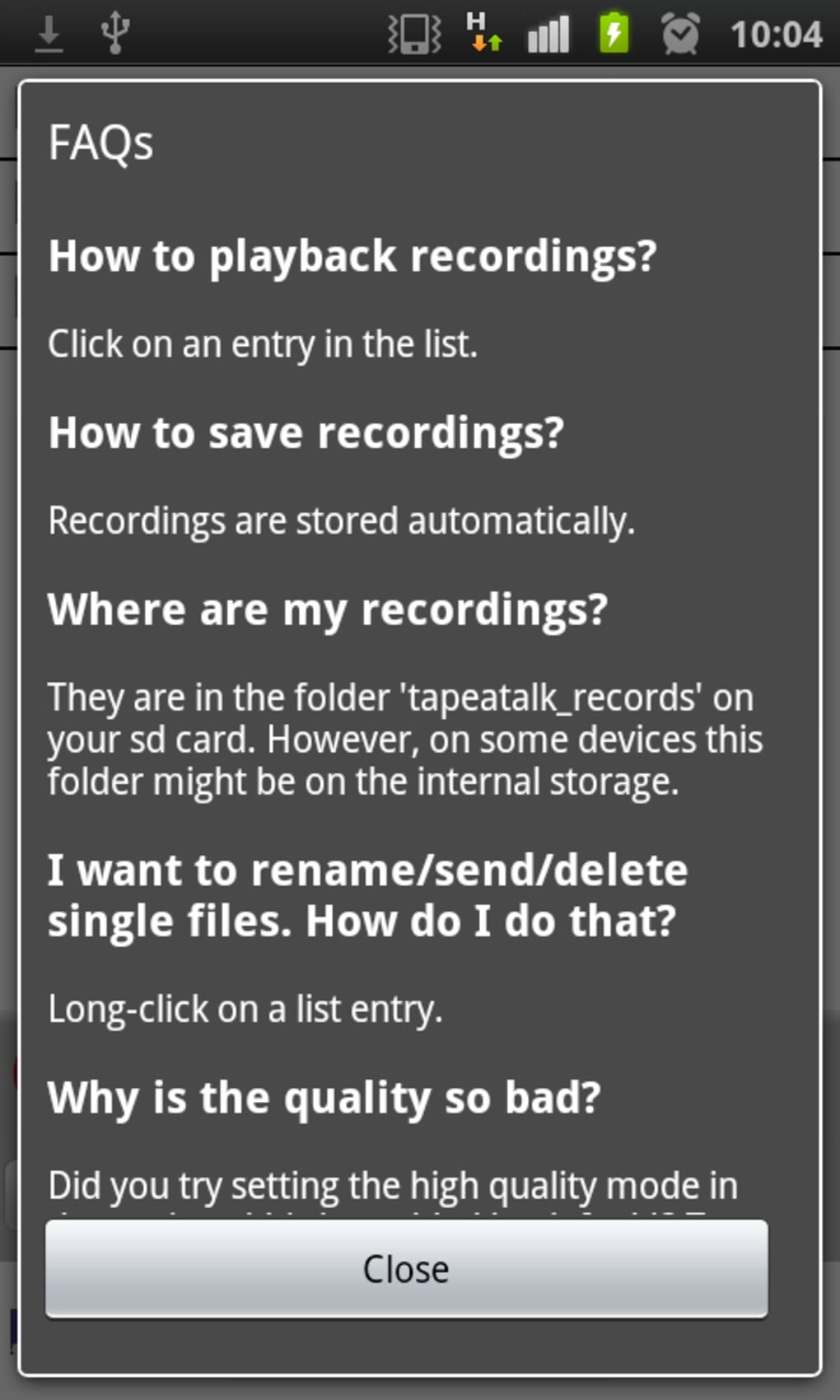
- Secure Local Storage – Records are saved locally on the device, ensuring privacy and reducing dependency on cloud services.
These features support practical workflows such as recording a lecture while taking notes, editing a voice memo before sending it, or capturing a musical idea during a walk. The ability to edit recordings in-app eliminates the need for external software, streamlining the process for mobile users. The app’s design prioritizes accessibility, making it usable for both beginners and experienced users. While the developer did not specify advanced features like noise reduction or file export formats, the core functionality remains focused and efficient. The app’s lightweight nature and minimal system demands make it suitable for a wide range of Android devices.
User Interface, Workflow & Performance
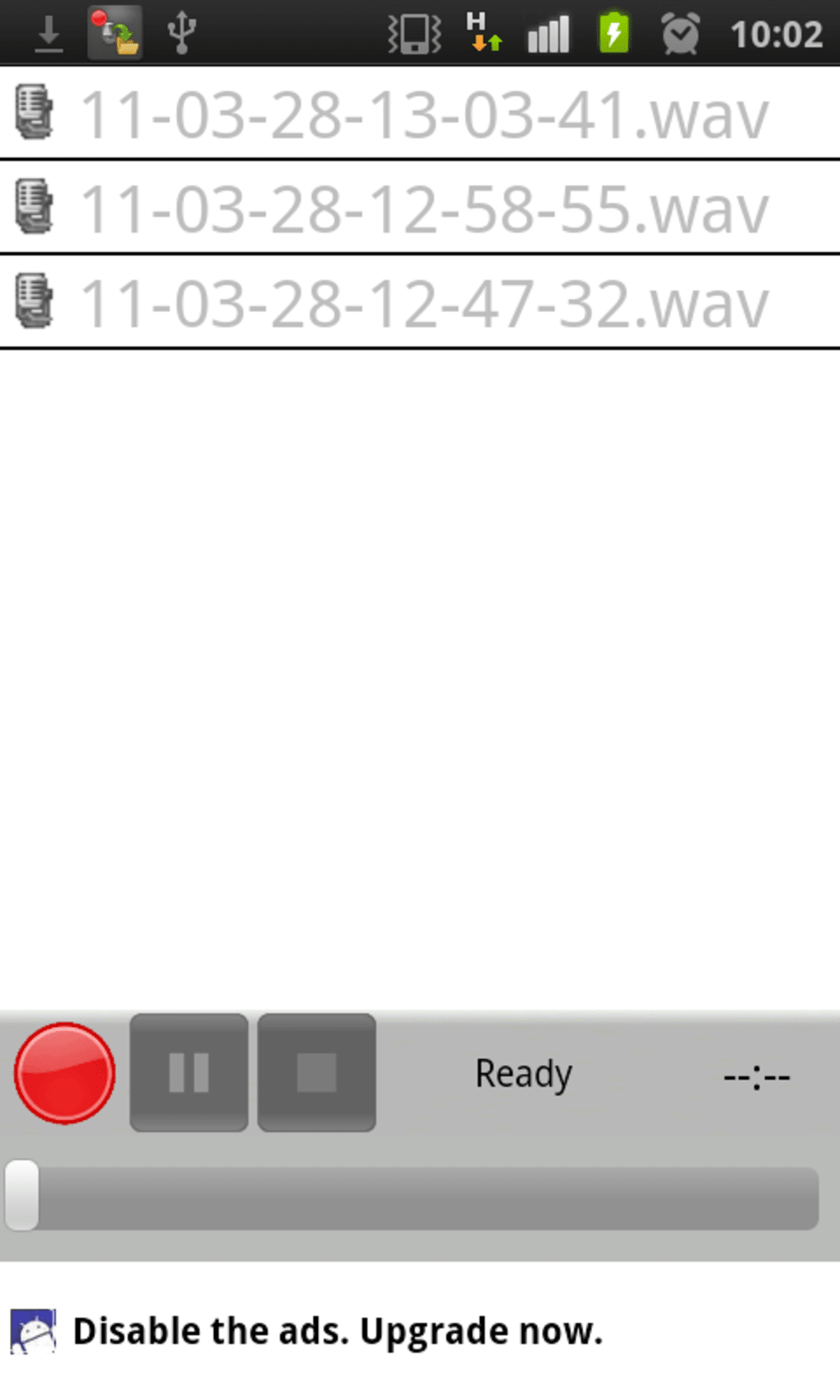
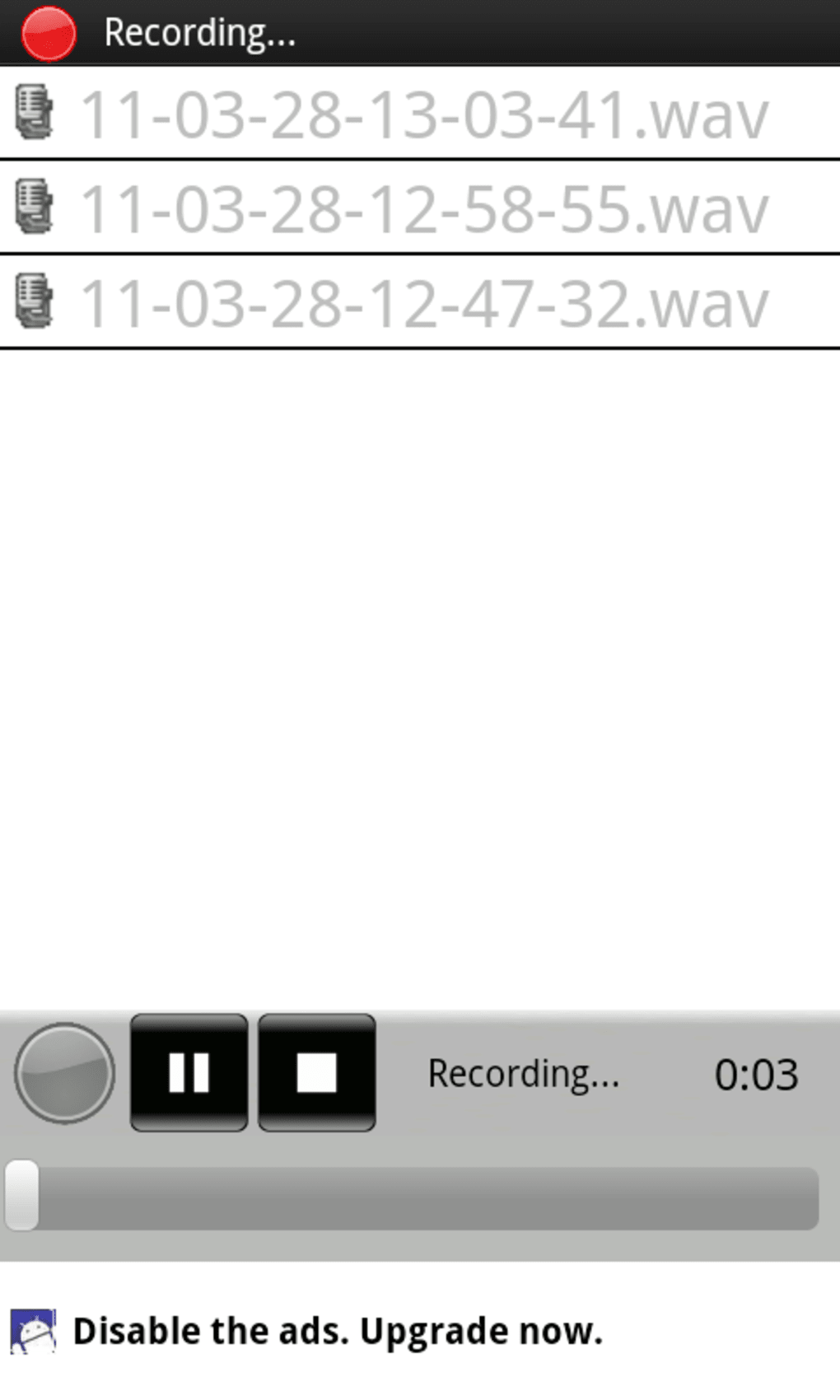
The user interface of Tape a Talk Voice Recorder is designed with simplicity in mind, featuring a clean layout that prioritizes core recording functions. Navigation is intuitive, with primary controls—such as record, pause, and stop—prominently displayed. Playback controls are accessible during and after recording, enabling users to review content without exiting the app. The workflow follows a linear path: start recording, monitor the audio level, pause or stop as needed, and then access the recording for playback or editing. Editing tools are integrated directly into the playback screen, allowing users to trim unwanted sections with a simple drag gesture. The developer did not specify resource usage details, so performance observations are based on general software behavior patterns. The app is reported to run smoothly on standard Android devices, with minimal impact on battery or system responsiveness. Stability appears consistent during typical use, though extended recording sessions may vary depending on device capabilities. The app does not display ads or in-app purchases, as it is offered free of charge, which contributes to a clean user experience. Overall, the interface supports efficient, distraction-free recording and editing.
Compatibility & System Requirements
Tape a Talk Voice Recorder is compatible with Android operating systems and supports installation on smartphones and tablets. The current version is 2.1.2, with a file size of 15.6 MB, indicating a lightweight footprint suitable for devices with limited storage. The developer did not specify exact system requirements, including minimum Android version or hardware specifications. Compatibility information was partially provided, with no mention of CPU, RAM, or GPU needs. Users should ensure their device runs a recent version of Android to maintain optimal functionality. The app does not require root access or special permissions beyond standard audio recording and storage. Installation is straightforward, with the APK file being the distribution method. For users seeking to install the app outside the Google Play Store, the APK format allows direct deployment, though it requires enabling installation from unknown sources in device settings. The developer did not provide information about compatibility with older Android versions or specific device models.
Pros and Cons
Pros
- Free to use with no hidden costs or in-app purchases
- Supports background recording for multitasking
- Simple, intuitive interface suitable for all skill levels
- On-device editing and trimming without external tools
- High-quality audio recording with adjustable microphone settings
- Lightweight installation size (15.6 MB)
Cons
- Exact system requirements were not listed
- Advanced editing features not specified
- No cloud sync or export format details provided
- APK distribution may raise security concerns for some users
- Developer did not provide update frequency or roadmap
FAQ Section
Is Tape a Talk Voice Recorder available for free?
Yes, the app is completely free to download and use. No payment or subscription is required.
Can I record audio in the background?
Yes, the app supports background recording, allowing you to use other apps while audio is being captured.
Is the app safe to install from an APK file?
The app is developed by Markus Drösser and distributed as an APK. Users should only install from trusted sources to ensure security.
Does the app support exporting recordings?
The developer did not specify export formats or cloud integration. Recordings are stored locally on the device.
How often are updates released?
Update frequency was not provided by the developer. The latest version available is 2.1.2, released on July 25, 2024.
Final Thoughts + CTA
Tape a Talk Voice Recorder delivers a focused, reliable solution for voice and audio recording on Android devices. Its free model, combined with essential features like background recording and in-app editing, makes it a strong choice for students, professionals, and creatives. The lightweight design and intuitive interface ensure smooth performance across a variety of devices. While advanced capabilities and detailed system requirements are not disclosed, the app meets core recording needs effectively. For users seeking a no-frills, secure, and efficient audio tool, this application stands out in the Android ecosystem. The ability to record high-quality audio without cost or complexity is a significant advantage. Download Tape a Talk Voice Recorder now.
Guides & Tutorials for Tape a Talk Voice Recorder APK
How to install Tape a Talk Voice Recorder APK
- Click the Preview / Download button above.
- Once redirected, accept the terms and click Install.
- Wait for the Tape a Talk Voice Recorder APK download to finish on your device.
How to use Tape a Talk Voice Recorder APK
This software is primarily used for its core features described above. Open the app after installation to explore its capabilities.
User Reviews for Tape a Talk Voice Recorder APK 0
No reviews found





